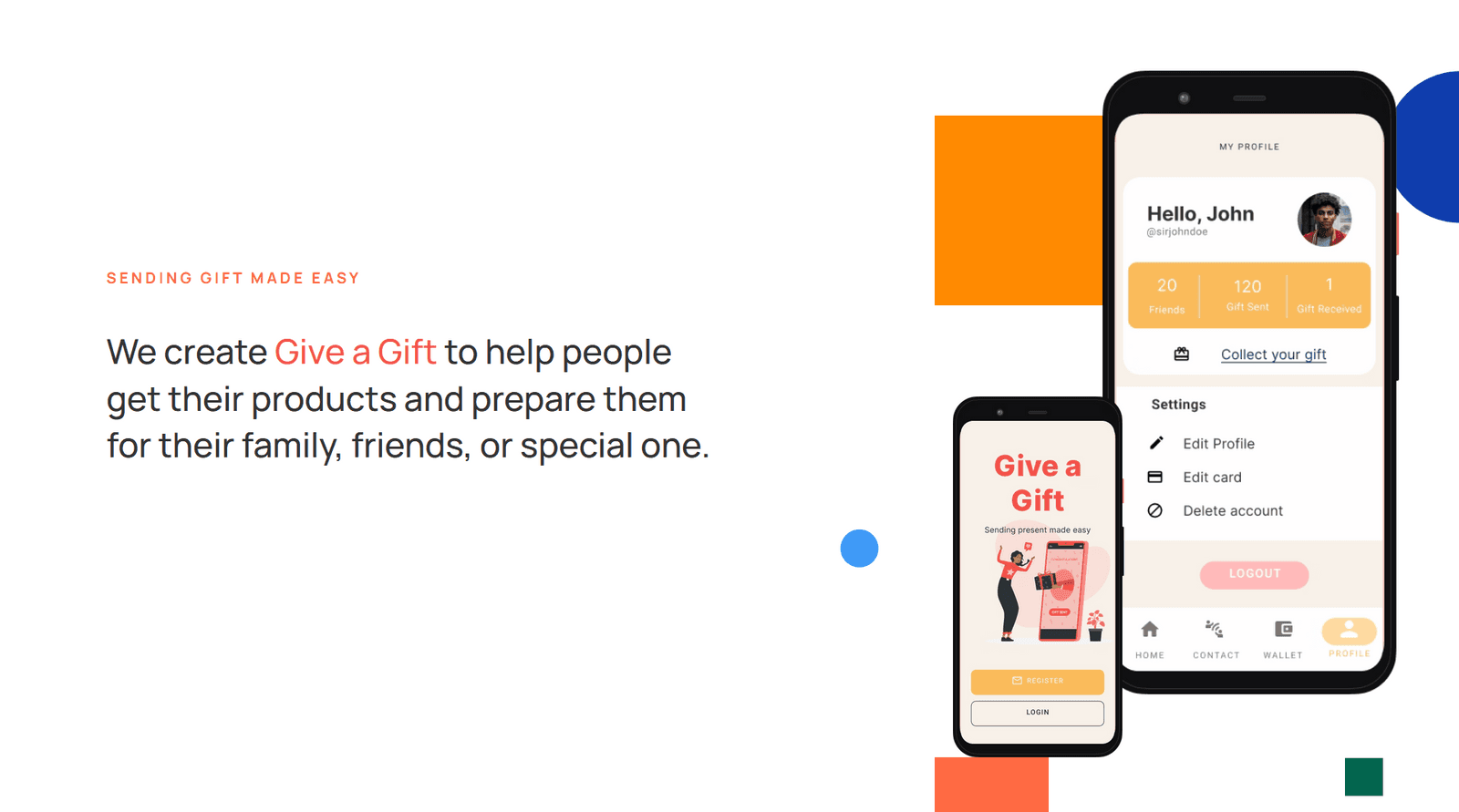
Sending a present shouldn't eat your weekend
When you can't hand someone a gift in person, you post it. Whether it's a handwritten letter or a piece of furniture, that takes real time and effort.
Meanwhile, people are spending longer at work chasing deadlines and promotions, and their relationships quietly pay the price.
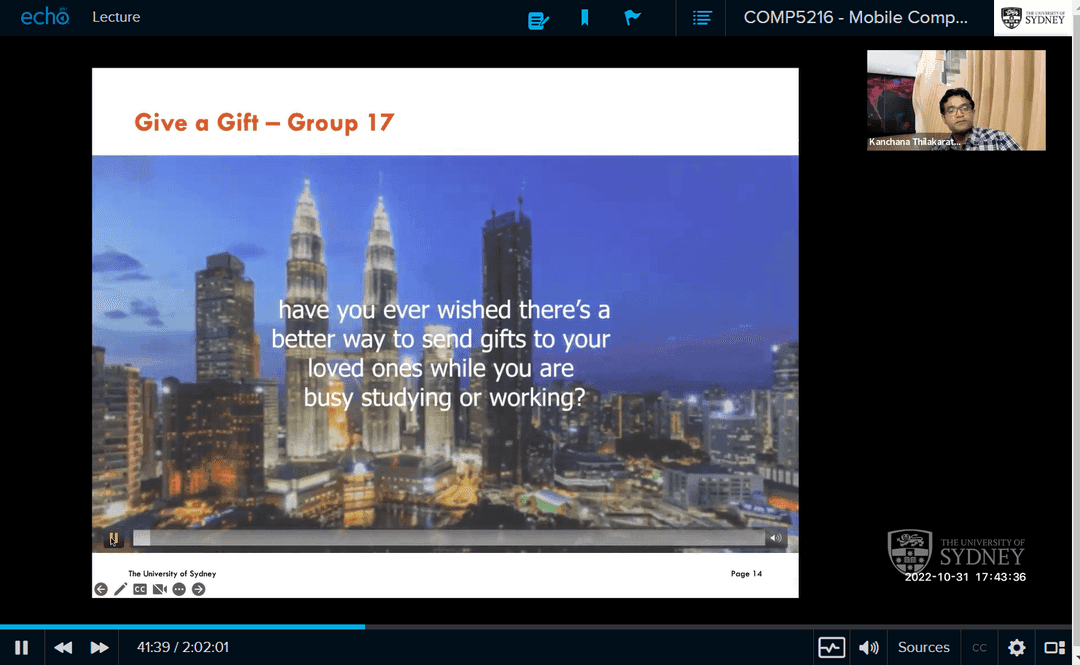
We opened our pitch with one question:
Have you ever wished there was a better way to send gifts to your loved ones while you're busy studying or working?
Both ends of the parcel have a bad time
- Buying the gift, online or in store, takes time
- You have to ask for the receiver's personal details
- Then there's the trip to the post office
- And the tracking, until it finally arrives
- You might not want to share your address
- You have to keep checking the tracking
- And sometimes you still have to travel to a pick-up point
What the numbers said
- Global searches for "online gift" rose 80% in 2020 compared with 2019, yet 90% of purchases still happened in physical stores.
- 89% of buyers research online before they buy in store.
- Australia's gift card and incentive card market was projected to grow from $5,446.5M in 2021 to $8,504.5M by 2026.
- Amazon: e-commerce with its own delivery network
- Prezee: digital gift cards
- Uber: on-demand delivery
- GiftsApp: gift recommendations
- Gifticon: mobile gifting
People browse online but still buy in store. So what if the store held the gift, and the recipient just dropped in to collect it?
Gift-giving as easy as sending a message
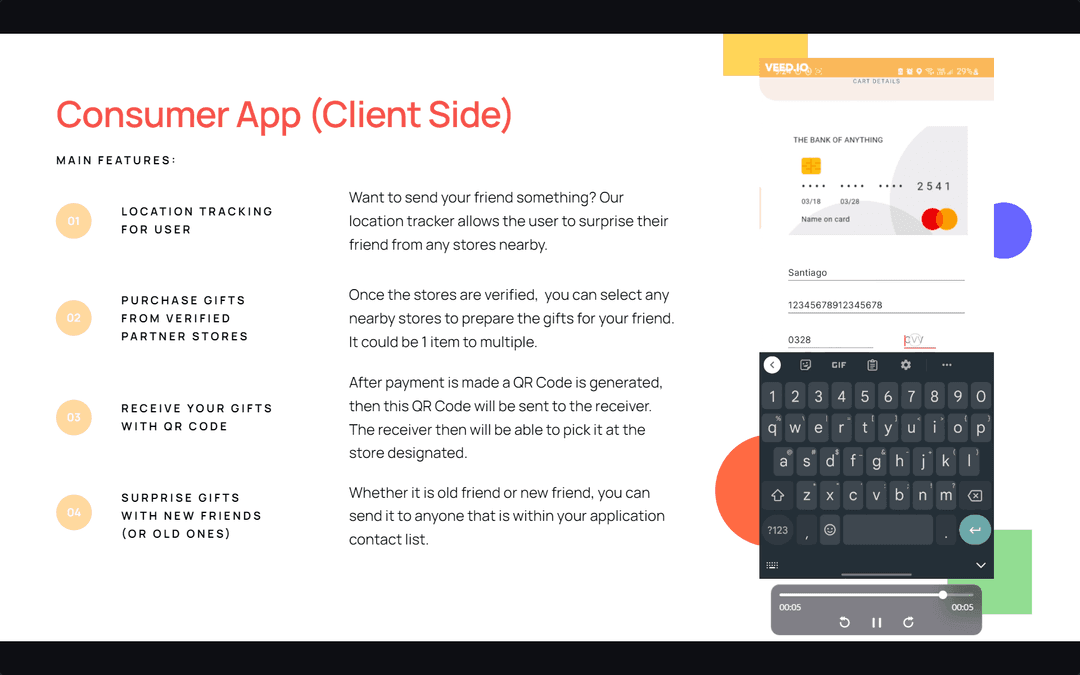
Give a Gift connects senders with verified partner stores. You never need the recipient's address, and they never need to wait in for a courier.
- Find a verified partner store near your friend and choose a gift. It can be one item or several.
- Pay, and the app generates a QR code and sends it to your friend.
- They show the code at that store and walk out with the gift.
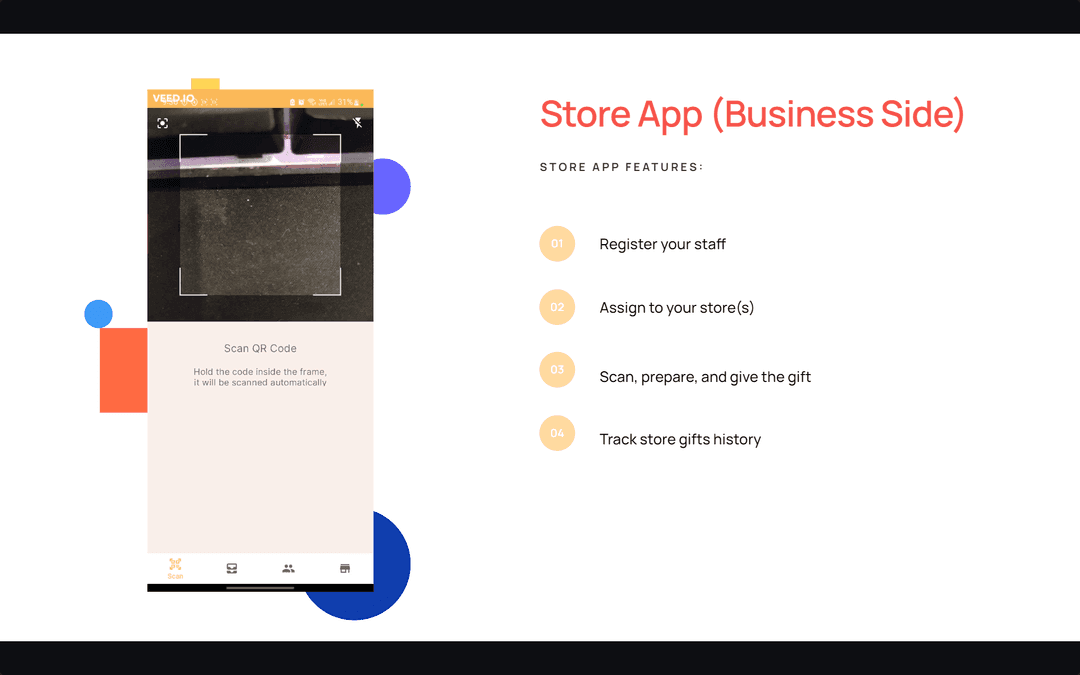
You can surprise anyone in your contacts, old friends or new ones. On the other side, a separate store app lets businesses register staff, assign them to stores, scan codes, hand over gifts and keep a history of every order.
Joining late and picking up the pencil
I joined the group late. The team already had a rough sketch of the app, so my first job was turning it into a lo-fi design, and later the hi-fi one.
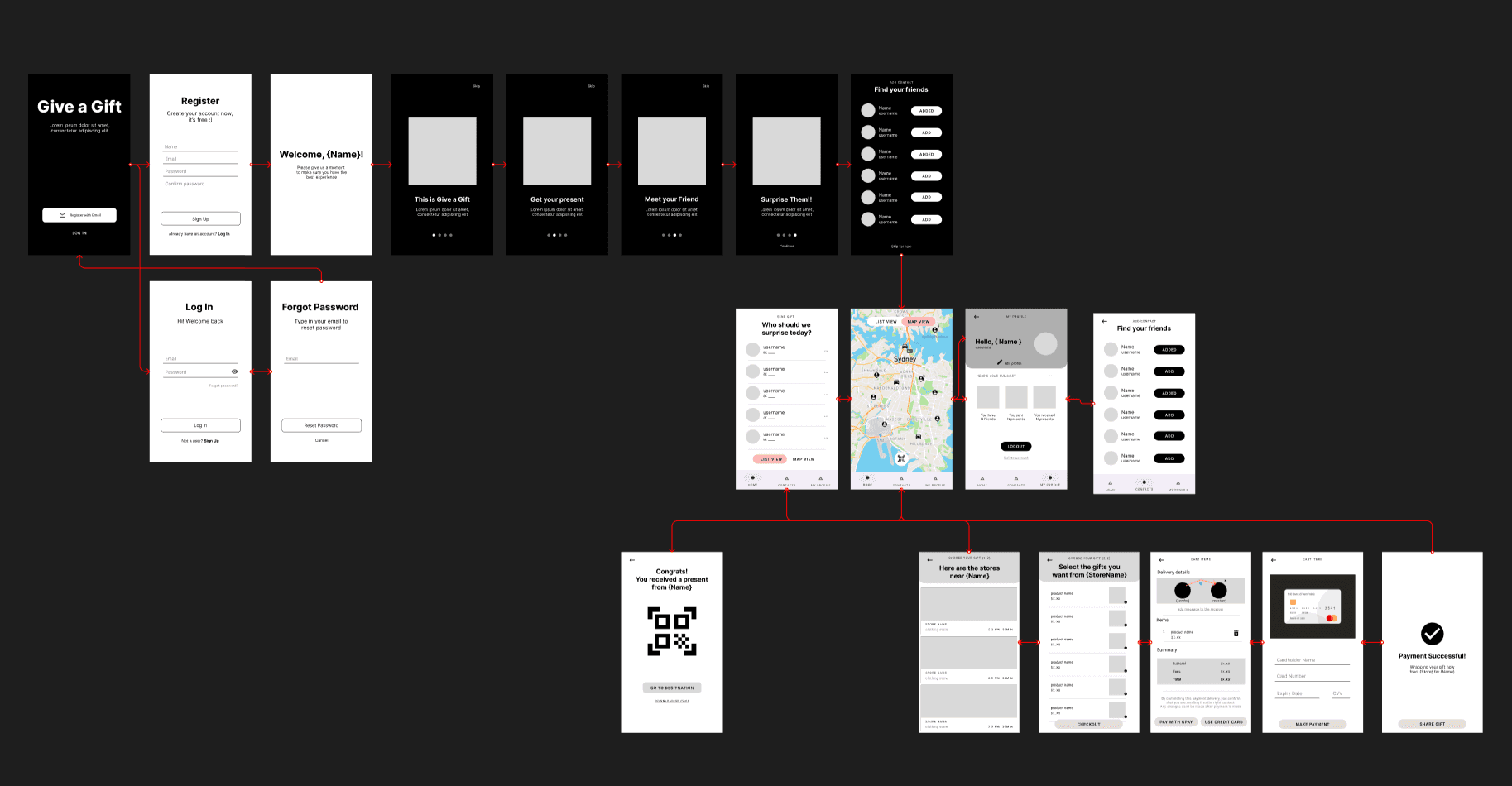
Checking every screen against the heuristics
After a quick informal interview, I built the design. The group then held an internal critique to decide what to change, using Nielsen's 10 usability heuristics to find pain points.
- Recognition rather than recall: you pick people from a list instead of remembering their details
- Informal feedback went straight back into the screens
- Lottie animations and annotated onboarding explain the app before you start
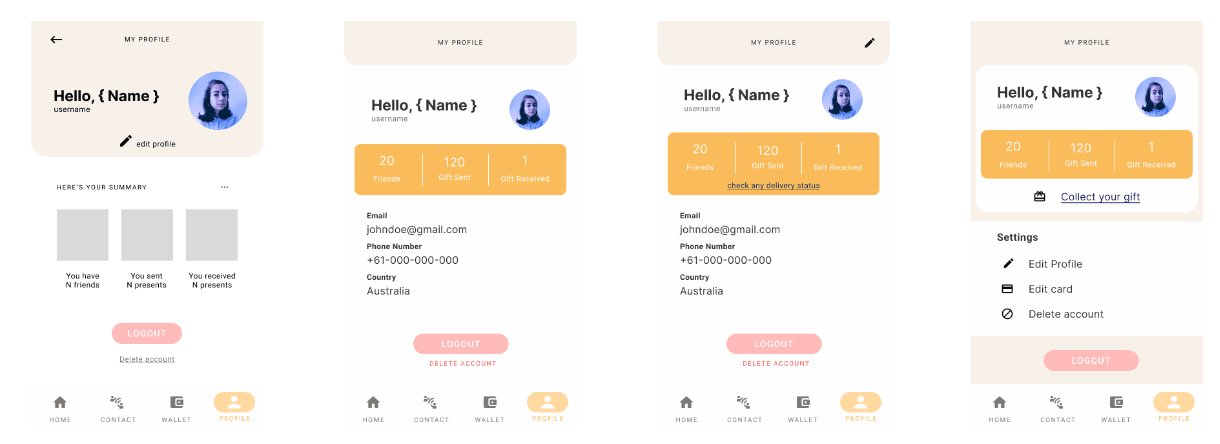
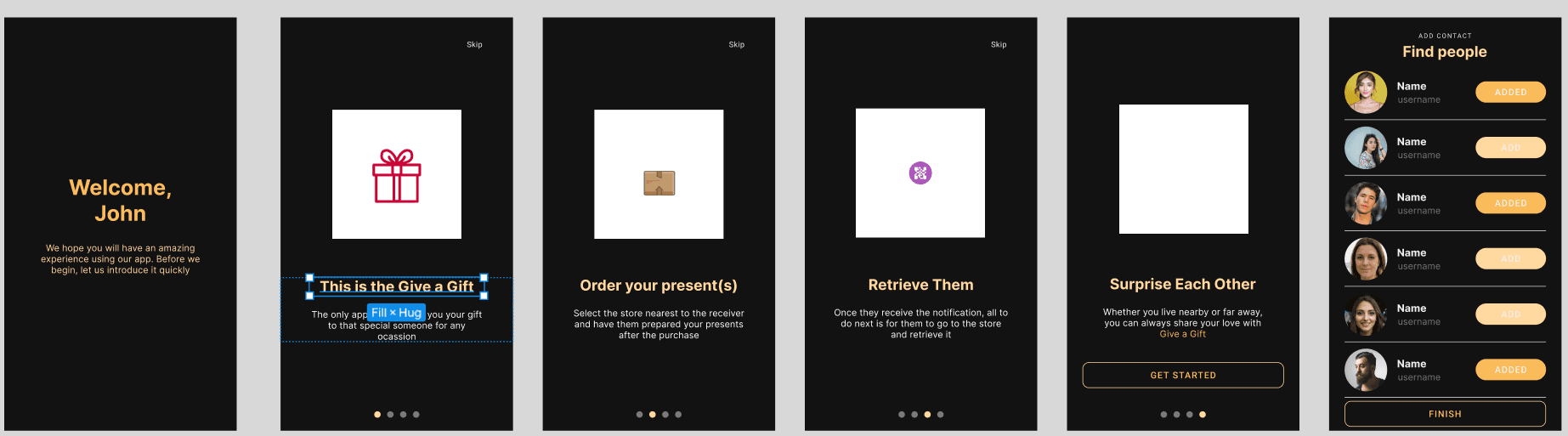
Handing over in Zeplin
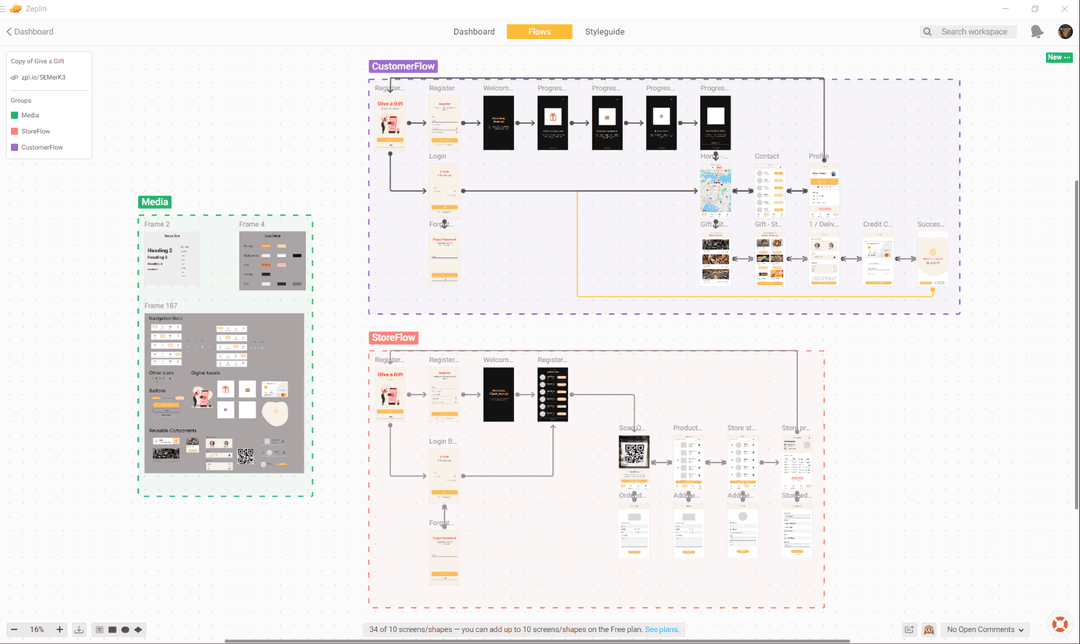
Once the design was final, I set it up in Zeplin so the developers could start coding. The finished product comes in two halves: the customer app and the store app.
Up on the big screen
The project earned one of the highest marks in the class and was one of the groups chosen to present to the whole cohort as an example of the best UX solutions.
Some groups do really well, and this is another project that many assessors like, especially the idea they found. It is a very good development on the application.
By the end, the team had delivered both apps, backed by a design system, usability testing and a proper developer handover.
The short version
- ResearchGift-giving pain points, market trends and competitors.
- Lo-fi wireflowThe whole journey, from sign-up to pickup.
- Usability heuristicsNielsen's 10, including recognition rather than recall.
- Hi-fi prototypeLottie animations and annotated onboarding.
- Zeplin handoverSpecs for the customer and store apps.
- Build and testTwo-sided Android app, tested with target users.